SeniorBoard | Clock, Calendar, Messages & Reminders
SeniorBoard
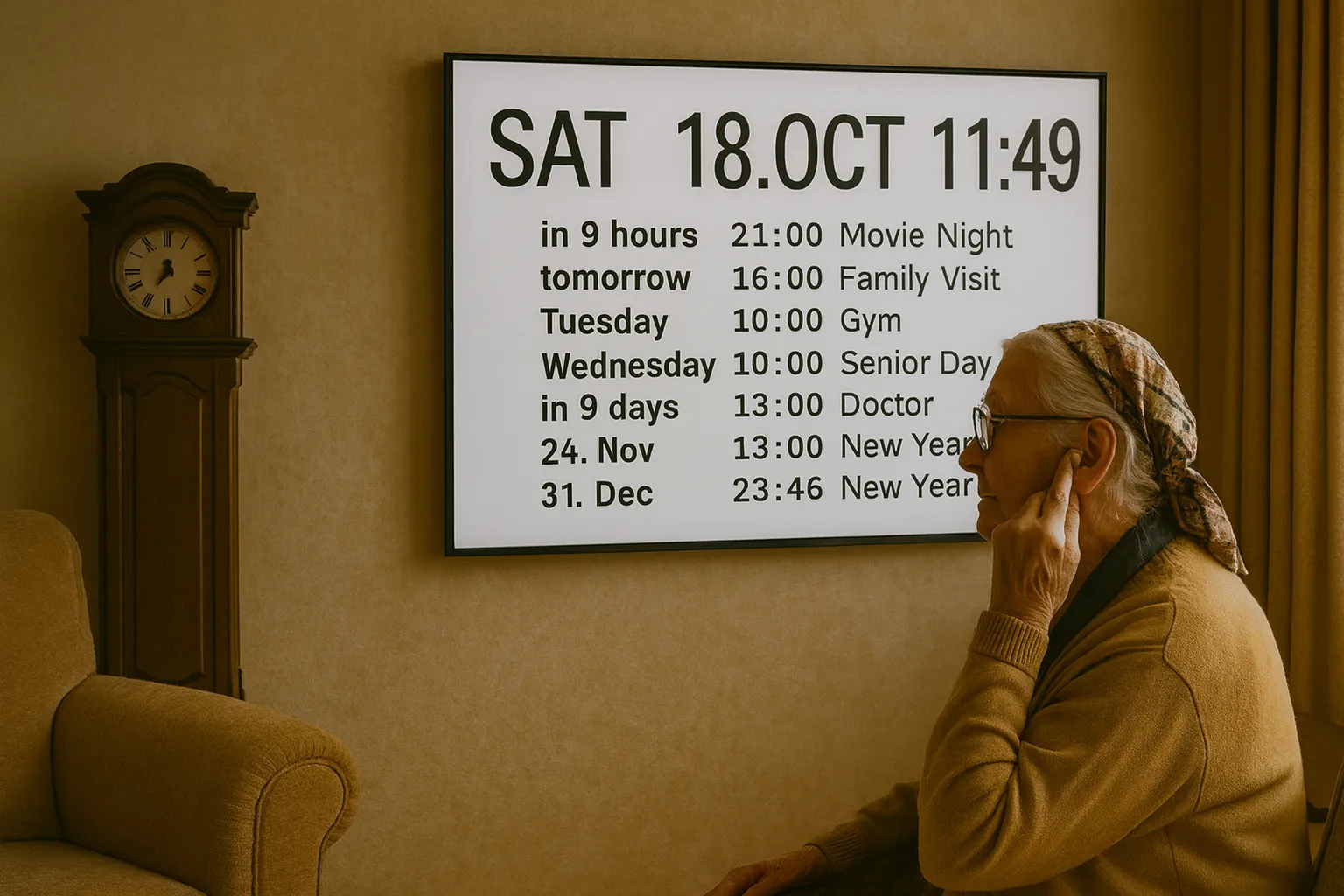
The modern grandfather clock turns any screen into a large clock with calendar and messages. Built by a family for their own parent with AMD, hearing loss and memory challenges — and shared with other families in the same situation.
This is what it looks like
This is what a day can look like for a parent with poor eyesight and hearing. From morning to night — colors shift with the day, messages appear, appointments show up and disappear when they're over. Large text, nothing to press.
Watch full screen →
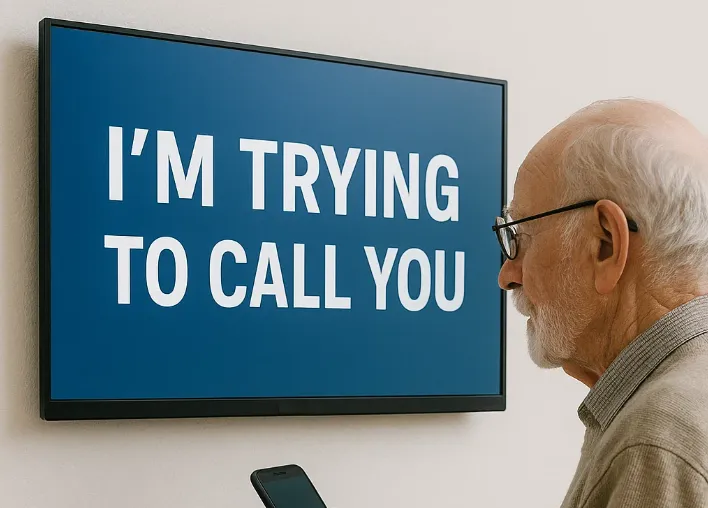
I am trying to call you
When Calls Don't Work
He won't wear his hearing aid and never picks up the phone. But a message on the screen — that he sees.
As Large as Possible
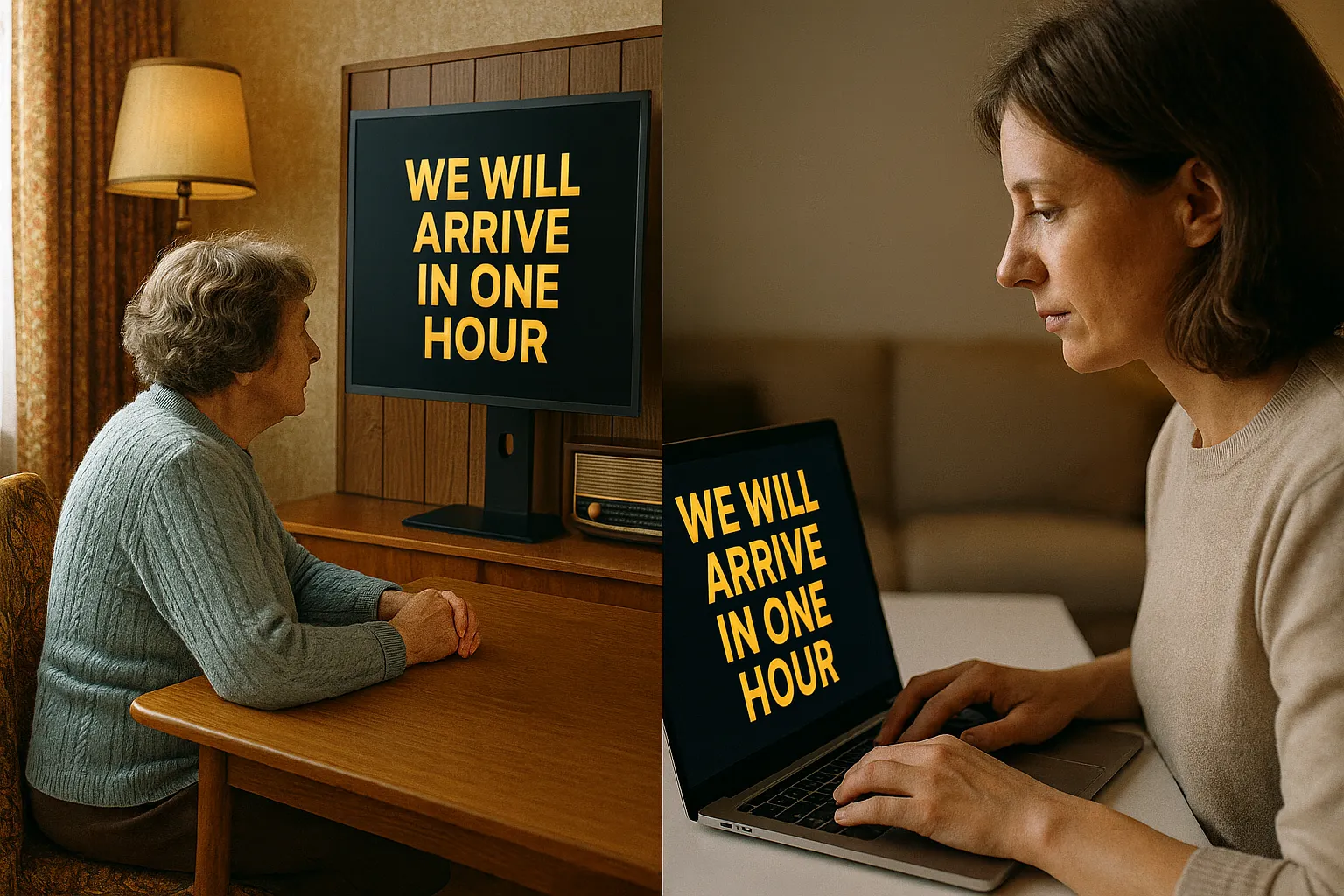
Type directly to the screen when you visit. Or from home, while you're on the phone with your mum. AMD and hearing loss make conversations hard — large text on a screen works.
Message from family
Write from Home
You know your mum is waiting — and you're an hour late. She won't pick up the phone. With SeniorBoard you write a message from your pc or phone, and it appears on the screen in her living room within seconds.
Family contact
He Forgets What Time It Is
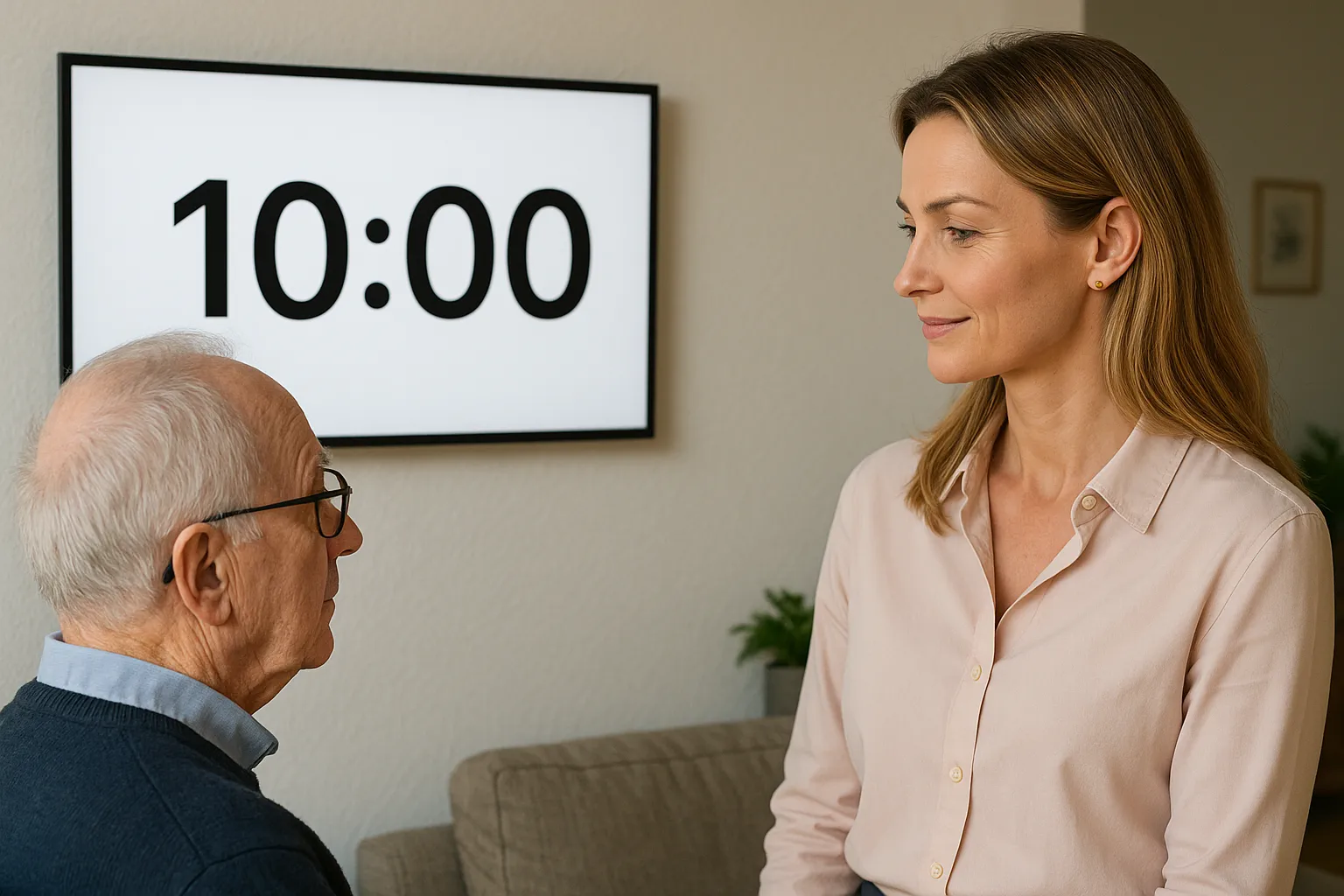
Memory challenges make time disappear. Radio news goes too fast, teletext is too small with AMD. SeniorBoard shows the time in huge text every quarter hour — and repeats the day and month all day long. No buttons, no remote.
Remember to drink water
Remember to Drink Water
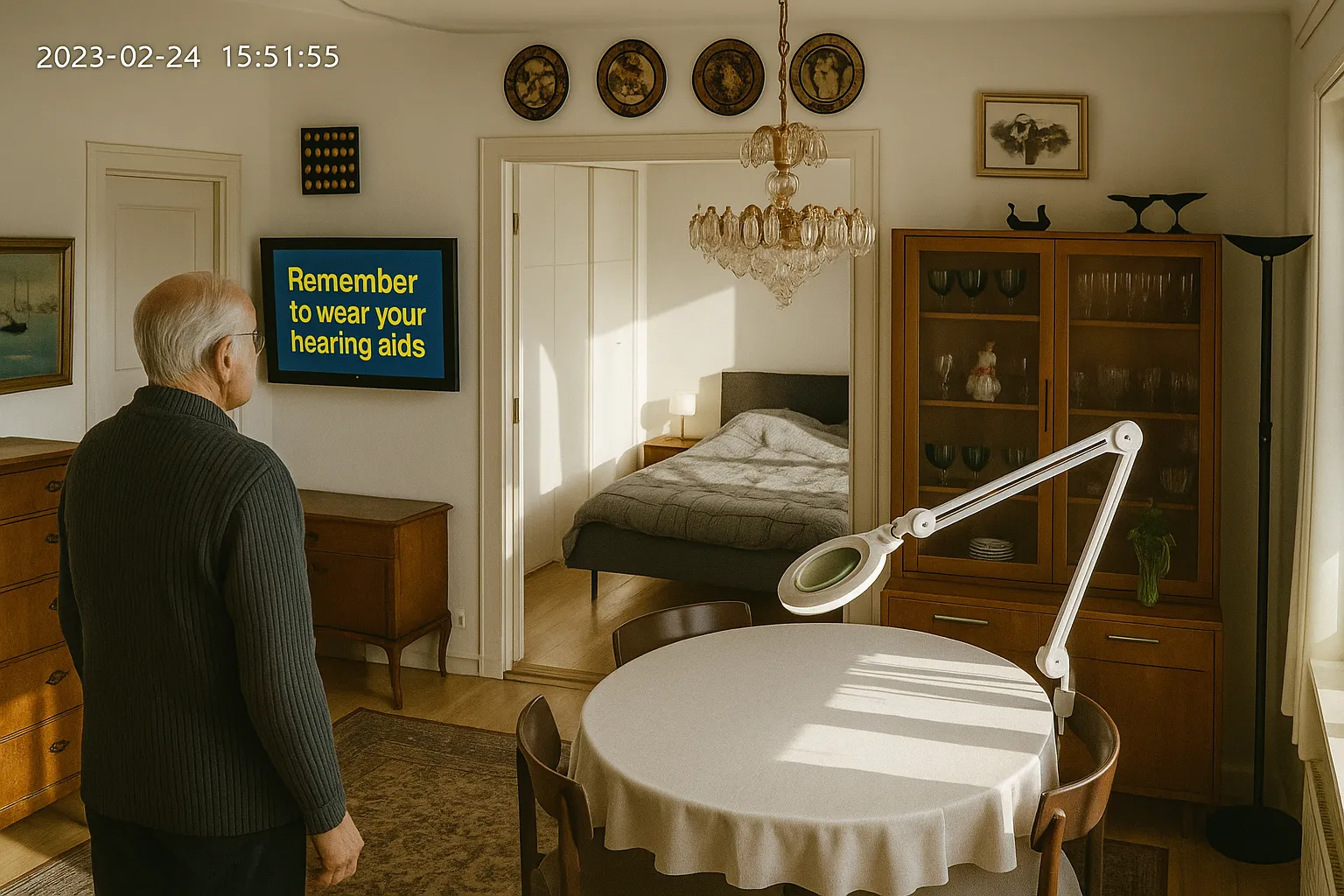
Your mum doesn't drink enough water. Many elderly don't. With SeniorBoard you create messages like "Remember to drink water" or "Remember to do your exercises" — you choose the period, and SeniorBoard spreads them evenly throughout the day.
Reminder
Remember Your Hearing Aid
He puts his hearing aid in the drawer every night — and forgets it every morning. With SeniorBoard you create reminders like "Remember your hearing aid" or "Remember to eat — even if you're not hungry".
Replacing the old clock
The Clock, the Calendar, and the Message Board
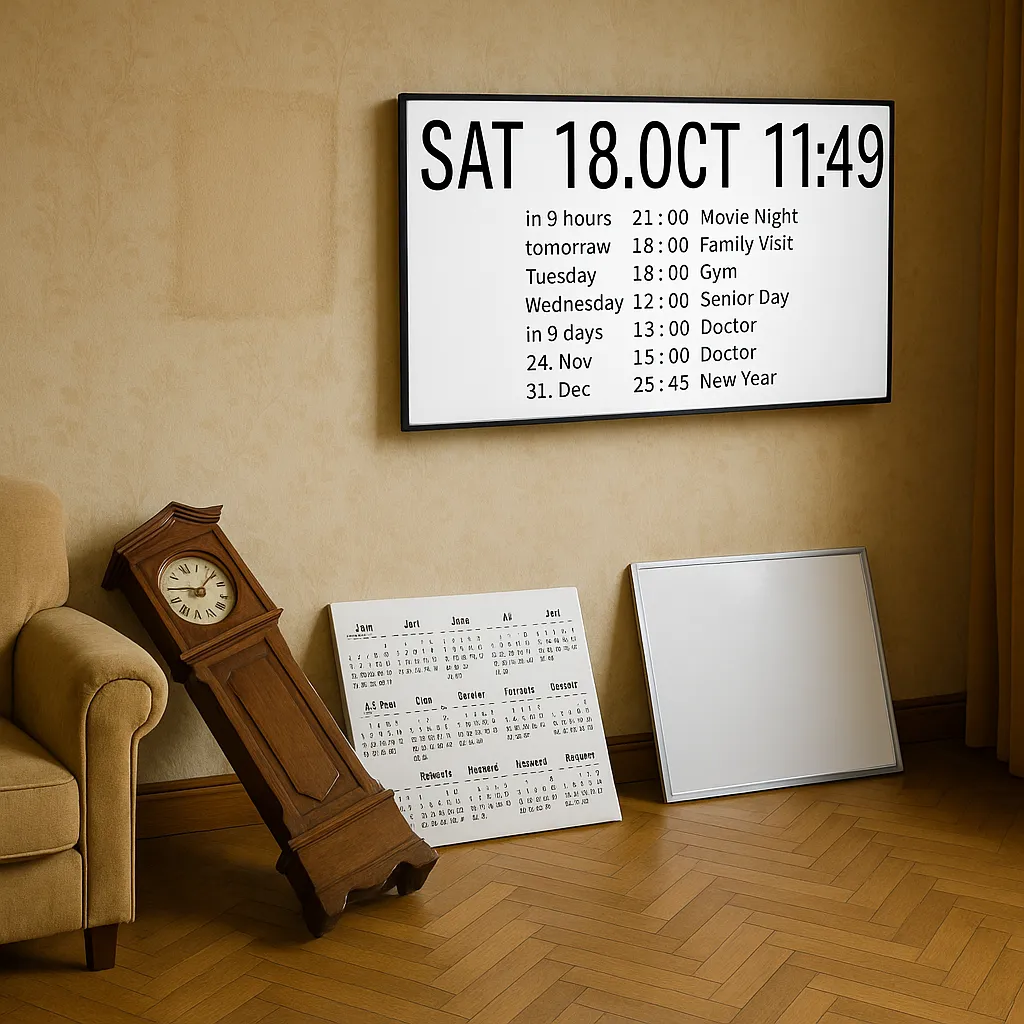
Three things that always hung in the living room — but that she can no longer read. SeniorBoard combines them on one screen with large text. Clock, calendar, reminders and messages from the family. One place, always visible.
Calendar and Clock
What Day Is It Today?
She asks five times a day. With SeniorBoard the day, date and next appointment are always on the screen — synced with your Google Calendar. You update from your phone, and it appears in the living room.